Run your crew without a monthly software bill.
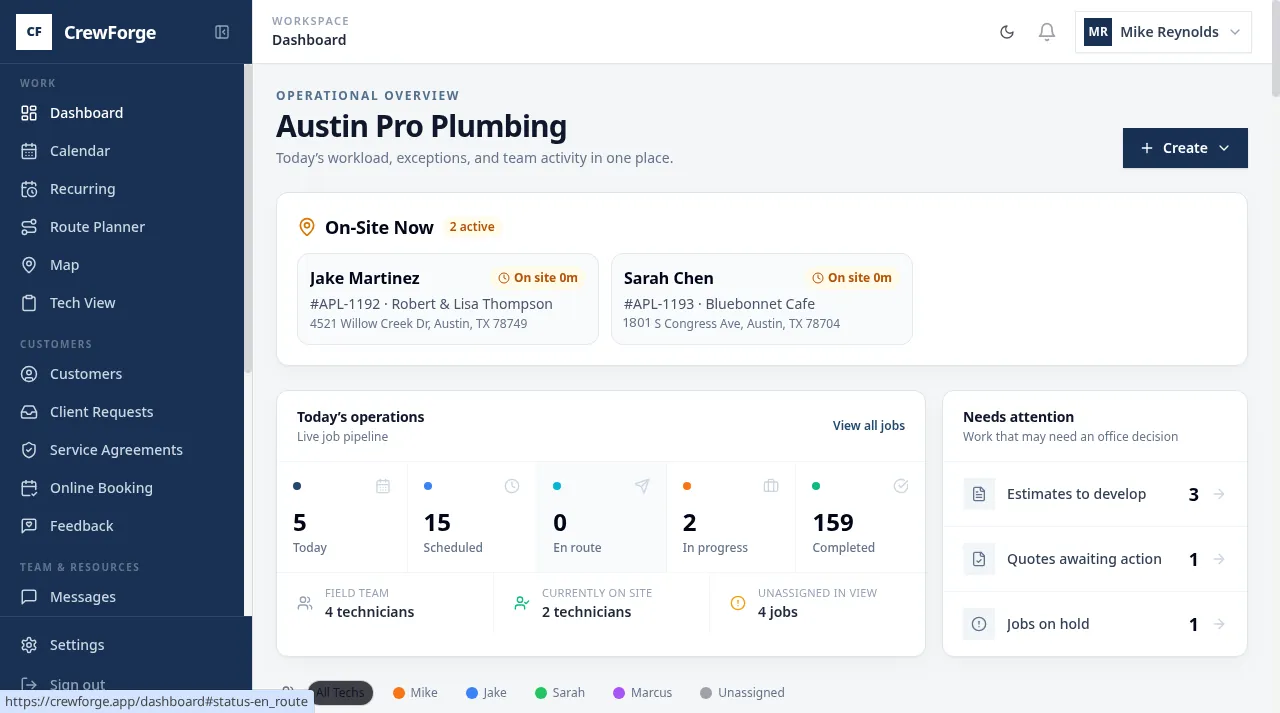
Scheduling, dispatch, estimates, invoicing and QuickBooks sync in one app. Pay a one-time onboarding fee, then a small per-invoice fee that's added to your customer's invoice by default, so it nets out to $0 for you.
If you're not invoicing, you're not paying.
- $0/monthNo subscription, ever
- Unlimited techsNo per-seat charges
- QuickBooks syncIncluded on every plan
INVOICE #APL-1193 Pro plan
Used every day by real crews
- Affordable DrainsSpokane, WA
- Northwest Power SolutionsSpokane, WA
- Pro Property ProjectsCalifornia
A Hynds AI product · Humans for purpose. AI for tasks.
From first call to paid invoice, in one place
1. Book and dispatch
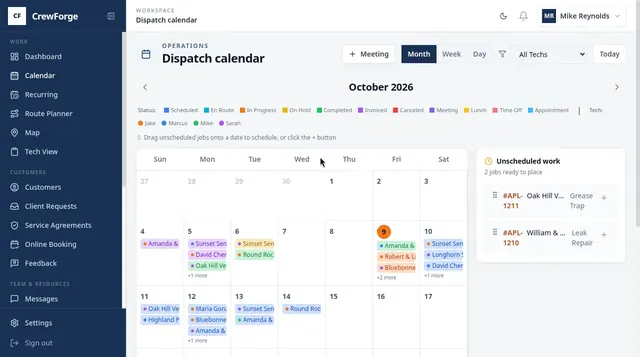
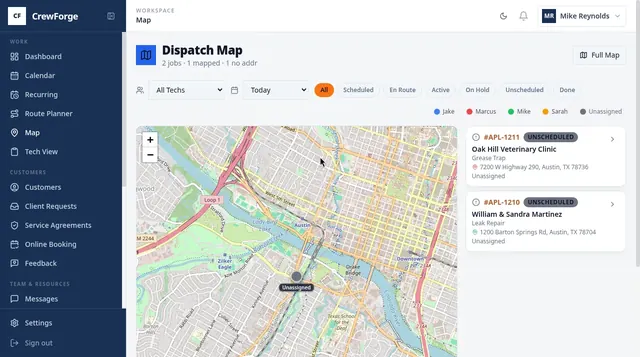
Drag jobs onto the calendar, see who's on site, and send the closest tech. Month, week and day views, a dispatch map and a route planner.
2. Do the work, even with no signal
Techs can open their jobs, start work, and add notes and parts from a crawl space with no signal. It syncs as soon as they're back online. Clock-in, photos, checklists and payments need a connection.
3. Invoice and get paid
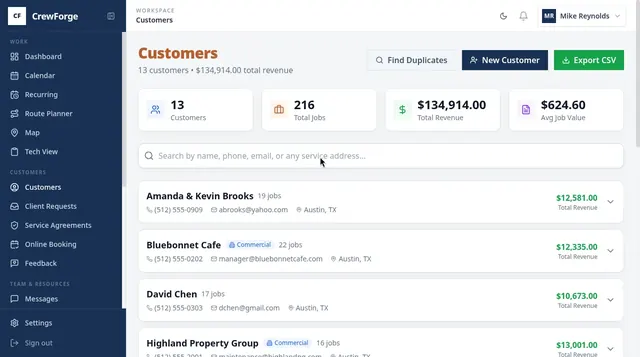
Estimate → quote → job → invoice, no retyping. Good/Better/Best options, deposits, card payment links and two-way QuickBooks sync.
No monthly subscription. Net zero by default.
Other software bills you every month, busy or slow, and charges more for every tech you hire. CrewForge works the other way: a one-time onboarding fee to get you set up, then a small Service Mgt Fee on each invoice you send. By default it's added to your customer's invoice, so when they pay, it's covered. Prefer to split it or absorb it? It's your call, per customer or per job. If you're not invoicing, you're not paying.
INVOICE #APL-1193 · Basic plan
Pass it on (default)
Your customer pays the fee on the invoice. Net cost: $0.
Split it
Show part of it on the invoice and cover the rest. 50/50 on Basic is about 40¢ a job.
Absorb it
Show nothing and cover it yourself: 49¢–79¢ a job. Still no subscription.
Why we built it this way
“My buddy in the trades was sick of paying monthly fees whether he was slammed or on vacation, and of paying more every time he hired a tech. So we built CrewForge together.”
Savings calculator
How much could you save by switching?
You pay for your software every month. CrewForge is a one-time onboarding fee with no monthly subscription and unlimited users. Enter what you pay now to see when CrewForge pays for itself.
Switching from ServiceTitan, Jobber, Housecall Pro or RazorSync?
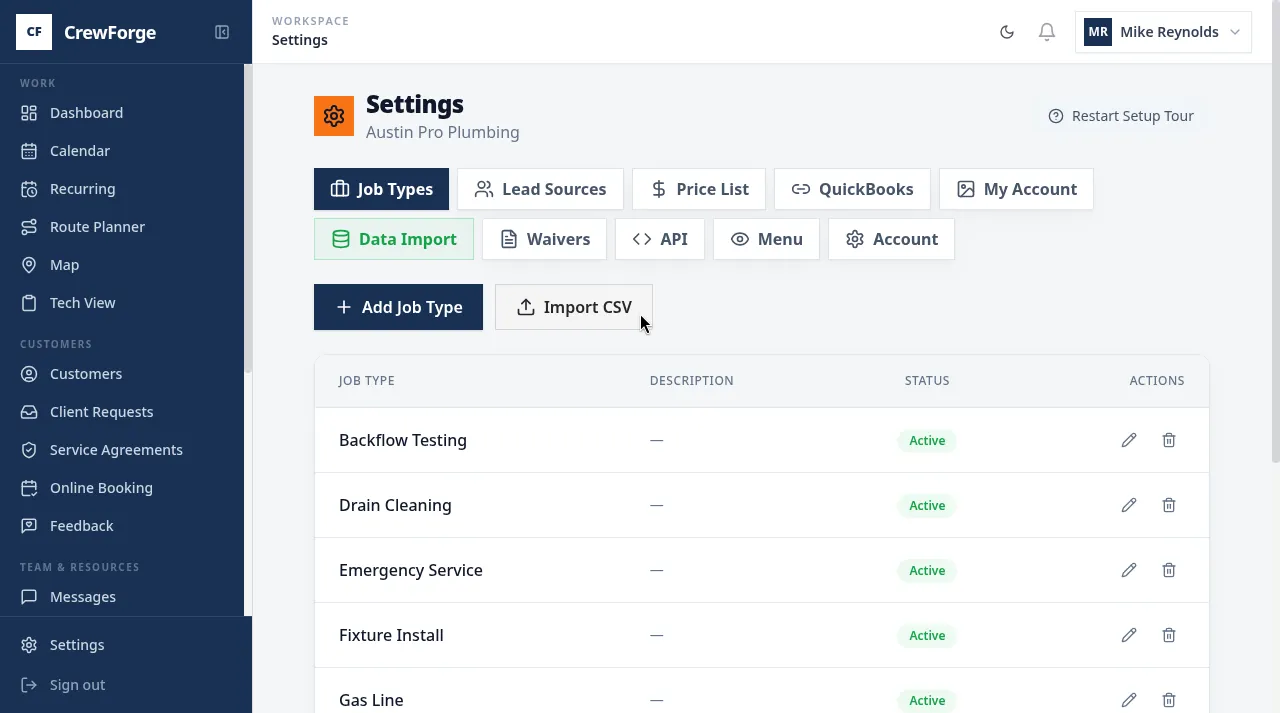
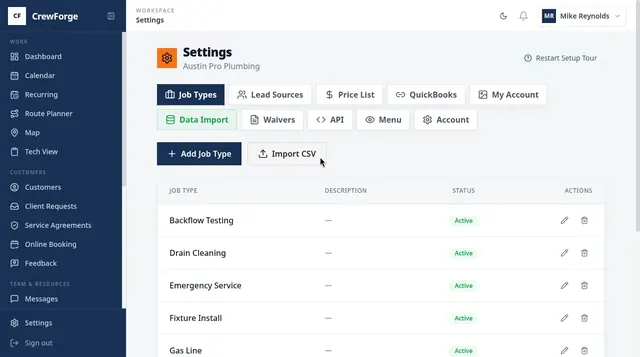
Send us your customer and job-history export (CSV) and we'll help map the fields. Keep QuickBooks, and add your whole crew without another seat charge.
- Customer and job-history import from any clean CSV (ServiceTitan, Housecall Pro, Jobber, RazorSync, FieldEdge, ServiceFusion)
- QuickBooks two-way sync on every plan
- Turn off menus you don't use in Settings → Menu, so your crew only sees what they need
We'll walk through your export with you
Compare: vs ServiceTitan · vs Jobber · vs Housecall Pro
Built with contractors, used every day
“Scheduling, dispatch, messaging, invoicing into QuickBooks, and a way for my guys to update jobs from a crawl space with no signal. CrewForge does exactly what I asked for. My guys and I use it every day — and honestly, we love it.”
 Chris Jordan
“Setting up CrewForge took less time than I expected — no big learning curve. What sold me is that I paid once to set it up. That means I can grow my business without any extra upfront cost.”
 Darrel Dirk
What's inside CrewForge
Dispatch calendar
Month, week and day views. Drag jobs, filter by tech.
Map & route planner
See today's jobs on a map; sequence stops (Elite).
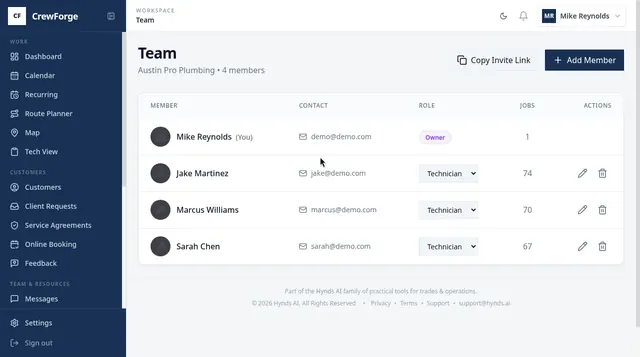
Tech view & time clock
A focused phone view for techs, with a built-in time clock. Jobs stay open even with no signal.
Estimates that close
Good/Better/Best options and deposits.
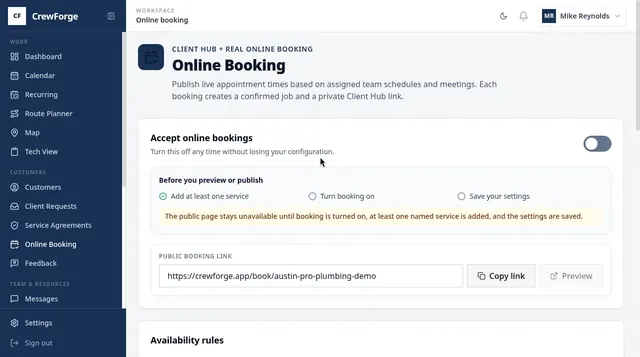
Online booking & Client Hub
Customers book from your website (embed code included).
Service agreements & recurring jobs
Memberships that put themselves on the calendar.
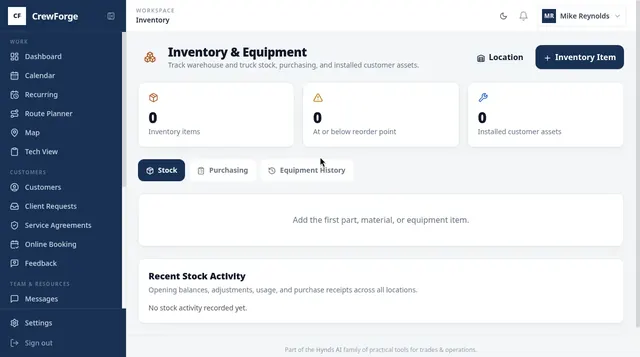
Timecards, checklists & inventory
Payroll-ready hours, required photos and readings, stock on every truck.
Built-in AI Help Center
Ask "How do I add a customer?" and get the steps.
Frequently asked questions
Is there really no monthly subscription?
Who pays the per-invoice fee?
How many users can I add?
Does it work with QuickBooks?
What happens after the 30-day trial?
Try it on your next 30 days of jobs.
Full access, no credit card. Bring your crew, send real invoices, and see what your software bill looks like without the subscription.
or call Call us
30 days free · No credit card · Cancel anytime